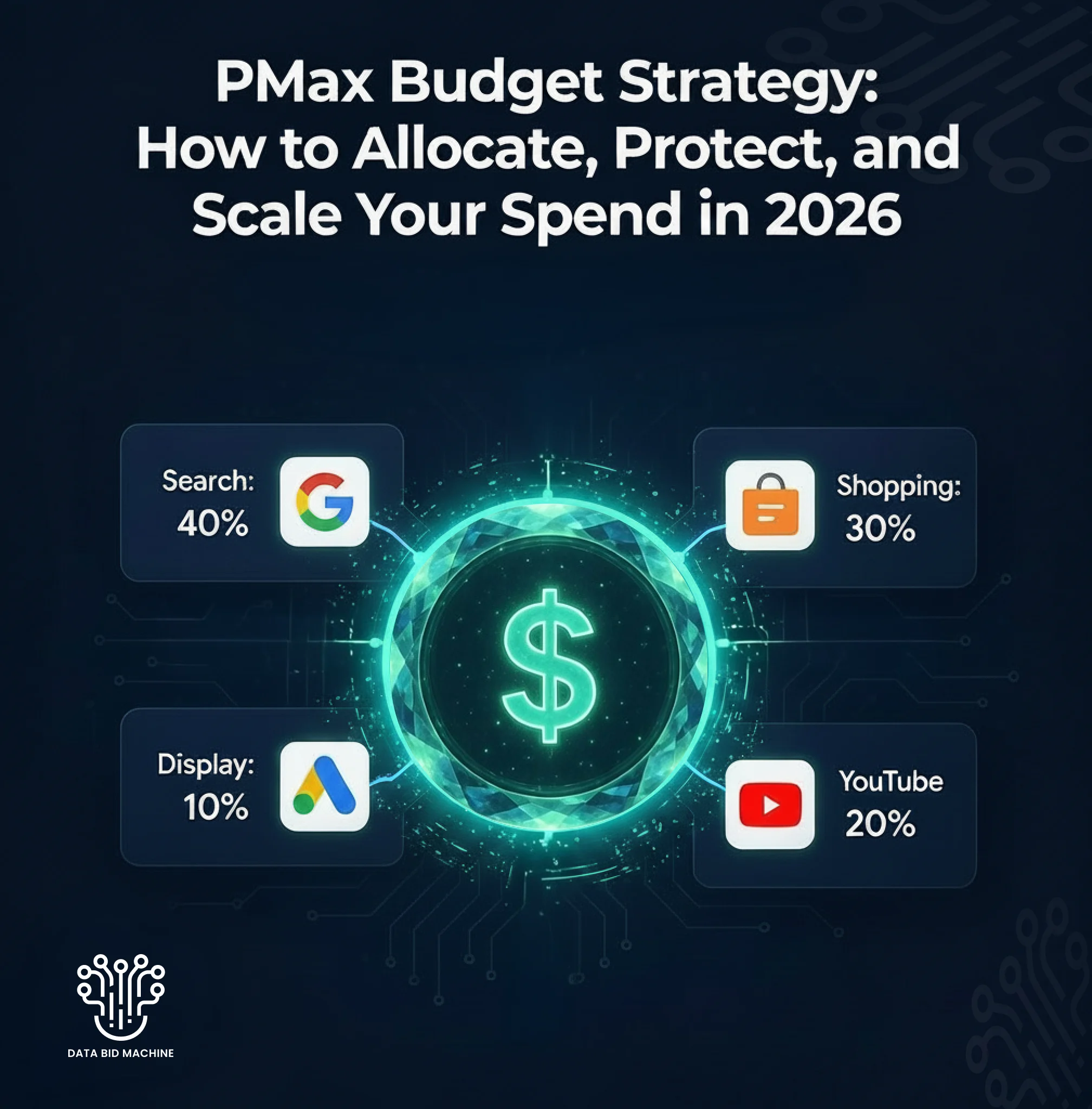
PMax Budget Strategy: How to Allocate, Protect, and Scale Your Spend in 2026
Performance Max eats budgets. That’s not a criticism — it’s a design feature. PMax is built to spend across seven Google channels simultaneously, optimizing toward conversions using machine learning. When it works, it works brilliantly. When it doesn’t, your budget evaporates into low-intent Display and YouTube placements before you can react.
The difference between these outcomes almost always comes down to budget strategy. Not how much you spend, but how you allocate, protect, and scale that spend. Yet most advertisers treat PMax budgets the same way they’d treat a Search campaign — set a daily budget, pick a bidding strategy, and hope the algorithm figures it out.
In 2026, that approach leaves serious money on the table. The advertisers seeing the strongest PMax results are the ones who treat budget management as an active discipline: setting minimum thresholds, protecting spend during learning phases, structuring multi-campaign architectures, and scaling methodically rather than aggressively. This guide covers all of it, with specific numbers and frameworks you can implement today. If you’ve already read our breakdown of why PMax alone isn’t enough in 2026, consider this the budget playbook that makes multi-campaign strategies work.
Table of Contents
- The Minimum Budget Threshold: Where PMax Actually Starts Working
- The 3x CPA Rule: Setting Your Daily Budget Floor
- Understanding the Learning Phase (and What It Costs)
- How to Protect Your Budget During Learning Phases
- The 70-20-10 Budget Allocation Framework
- Allocating Budget Across PMax and Other Campaign Types
- The Feeder Campaign Strategy: Separating Discovery from Conversion
- How to Scale PMax Spend Without Breaking Performance
- When to Pull Budget Back from PMax
- Using PPC Software for Budget Orchestration
- Frequently Asked Questions
- Conclusion
The Minimum Budget Threshold: Where PMax Actually Starts Working
PMax has a data dependency problem. The algorithm needs conversion signals to learn, and it needs enough of them to make statistically meaningful decisions. Below a certain budget threshold, PMax never gets enough data to exit its learning phase — and you end up paying for education without graduation.
The hard numbers: PMax requires a minimum of 30 to 50 conversions per month to optimize effectively. In practice, campaigns spending under $3,000 per month rarely generate enough conversion volume for the algorithm to make smart decisions. At the daily level, budgets under $50 to $100 tend to result in PMax over-indexing on Discovery placements (Display and YouTube), burning through spend trying to find an audience rather than converting one.
This doesn’t mean PMax is only for big spenders. It means you need to be honest about whether your budget can sustain the algorithm’s data requirements. If you’re spending $1,500/month on Google Ads total, putting all of it into PMax is a gamble. You’d be better off running a focused Search or Standard Shopping campaign that generates the conversion history PMax will eventually need.
Rule of thumb: If your monthly ad spend can’t generate at least 30 conversions in a single PMax campaign, don’t run PMax as your primary campaign. Build conversion volume first with more targeted campaign types, focusing on long-tail keywords and keyword match type strategies that generate qualified clicks.
The 3x CPA Rule: Setting Your Daily Budget Floor
Once you’ve confirmed PMax is viable for your spend level, the next question is daily budget. Google’s own recommendation is clear: set your daily PMax budget at a minimum of 3x your target CPA (Cost Per Acquisition).
Here’s why this matters. PMax’s algorithm evaluates multiple auction opportunities simultaneously across seven channels. If your daily budget is too tight, the algorithm can’t explore enough auctions to find the best conversion opportunities. It ends up being conservative, defaulting to whatever placements it can afford rather than the placements most likely to convert.
Practical examples of the 3x rule in action: if your target CPA is $30, your minimum daily PMax budget should be $90. If your target CPA is $75, you need at least $225 per day. If your target CPA is $150, you’re looking at $450 daily minimum. These aren’t aspirational targets — they’re operational floors. Below them, PMax underperforms not because the product is bad, but because the algorithm is starved.
For Target ROAS campaigns, a similar principle applies. Your daily budget should be high enough to generate at least 1 to 2 conversions per day at your target return. If your average order value is $80 and your target ROAS is 4x, your daily budget should support at least $80 to $160 in conversion value — meaning a $20 to $40 daily floor, with the 3x CPA rule pushing that higher.
Understanding the Learning Phase (and What It Costs)
Every PMax campaign goes through a learning phase — a period where the algorithm is collecting data, testing placements, and calibrating its bidding models. This phase is both necessary and expensive, and misunderstanding it is the single biggest source of wasted PMax budget.
The learning phase typically lasts 7 to 14 days for new campaigns. During this window, performance is volatile: CPA may spike 30 to 50% above your target, ROAS may fluctuate dramatically day to day, and spend distribution across channels will look erratic. This is normal. The algorithm is experimenting.
What triggers a new learning phase is equally important to understand. Any meaningful campaign change restarts it: significant budget changes (more than 20% up or down), bidding strategy switches, new asset groups, major audience signal changes, and conversion action modifications. Some advertisers unknowingly trigger learning phases repeatedly by making frequent small adjustments, keeping their campaign in a perpetual state of learning that never stabilizes.
The financial cost of learning is real. For a campaign spending $150/day, a 14-day learning phase at 40% elevated CPA means approximately $840 in excess spend above what a stabilized campaign would deliver. That’s the “learning tax” — and every time you trigger a reset, you pay it again.
Losing Money to PMax Learning Phases?
Every learning phase reset costs you hundreds in excess CPA. Book a free PMax strategy call and get a budget plan that avoids the most common — and most expensive — mistakes.
How to Protect Your Budget During Learning Phases
Knowing the learning phase is expensive is one thing. Protecting your budget during it is another. Here are specific tactics that limit the damage while still giving the algorithm room to learn.
Front-load Budget Strategically
Higher budgets during the learning phase accelerate data collection, shortening the time to stabilization. If your normal daily budget is $100, consider running at $130 to $150 for the first two weeks. This counterintuitively saves money by compressing the learning window — you pay a higher daily cost for fewer days of suboptimal performance.
Start with Maximize Conversions, Not Target ROAS
Launching a new PMax campaign on Target ROAS is a common mistake. The algorithm has no conversion data to optimize against, so it either spends very cautiously (limiting data collection) or bids erratically. Start with Maximize Conversions to establish a baseline, then switch to Target ROAS or Target CPA once you have 30+ conversions of historical data. This sequenced approach gives the algorithm a learning runway before you impose constraints. Make sure your landing pages are built for conversion before entering this phase — a high-converting destination makes the algorithm’s learning faster and your budget more efficient.
Use Portfolio Bid Strategies for Budget Caps
If you need a hard spending ceiling during learning (common for agencies managing client budgets), use portfolio bid strategies with maximum CPA caps. This gives the algorithm room to explore while preventing runaway spend on any single conversion.
Don’t Touch the Campaign for 14 Days
This is the hardest discipline but the most important. After launching or making a major change, resist the urge to adjust bids, add asset groups, or shift budgets for a full two weeks. Every adjustment restarts the clock. Set calendar reminders if needed — and monitor without acting.
The 70-20-10 Budget Allocation Framework
Once your PMax campaign is out of learning and performing, budget allocation becomes your primary optimization lever. The 70-20-10 framework provides a proven structure for distributing spend across different campaign performance tiers.
70% to proven performers. The majority of your budget goes to campaigns and asset groups that consistently meet or exceed your CPA and ROAS targets. These are your revenue engines — don’t starve them to fund experiments.
20% to scaling candidates. Campaigns showing promise but needing more data get a meaningful allocation to prove themselves. This might be a PMax campaign targeting a new product category, or an asset group testing new audience signals. The 20% gives these campaigns enough fuel to either validate or disprove their potential.
10% to testing. New campaign types, new creative approaches, new audience segments, new PPC strategies — this is your innovation budget. Protect it, but don’t expand it until tests graduate into the 20% tier.
This framework prevents two common budget mistakes: over-investing in unproven campaigns (which wastes money) and under-investing in experimentation (which stalls growth). It applies both within a single PMax campaign (across asset groups) and across your entire Google Ads account (across campaign types).
Allocating Budget Across PMax and Other Campaign Types
Running PMax in isolation is increasingly seen as a strategic mistake. The question is how to split your budget across PMax and complementary campaigns. The right allocation depends on your business model.
For Ecommerce Brands
| Campaign Type | Budget Share | Purpose |
|---|---|---|
| Performance Max | 50-60% | Full-funnel cross-channel conversions |
| Standard Shopping | 15-25% | Precision control for top products and new launches |
| AI Max for Search | 10-15% | High-intent query capture with transparency |
| Demand Gen | 10-15% | Upper-funnel awareness and audience building |
For B2B / Lead Gen
| Campaign Type | Budget Share | Purpose |
|---|---|---|
| AI Max for Search | 35-40% | High-intent lead capture with query control |
| Performance Max | 30-40% | Cross-channel reach and retargeting |
| Demand Gen | 15-20% | Thought leadership and awareness |
| Standard Search | 10-15% | Brand defense and core keyword protection |
A critical nuance: some advertisers are seeing CPA advantages keeping PMax at just 10 to 25% of total budget, particularly in accounts with lower conversion volume. This is because a smaller, well-fed PMax campaign often outperforms a larger, data-starved one. If your total monthly spend is $5,000, concentrating $1,000 to $1,250 in PMax (with the rest in Search and Shopping) may outperform putting $3,000 in PMax.
The Feeder Campaign Strategy: Separating Discovery from Conversion
One of the most effective advanced budget strategies in 2026 is the feeder campaign approach. Instead of asking a single PMax campaign to handle both audience discovery and conversion, you split these functions across two campaigns with different objectives.
Campaign A (90% of PMax budget): Optimized for sales or leads with Target ROAS or Target CPA. This is your conversion engine — it focuses spend on audiences and channels already proven to convert.
Campaign B (10% of PMax budget): Optimized for micro-conversions like product views, add-to-carts, or page engagement. This is your discovery engine — it deliberately explores new audiences at lower cost, feeding qualified signals into Campaign A’s remarketing pools.
This separation prevents the common PMax problem where discovery-phase spend (high-CPA, low-ROAS) dilutes the performance metrics of your conversion campaigns. Campaign B accepts higher CPA intentionally because its job is finding new audiences, not converting them directly. Campaign A maintains tight CPA targets because it only receives audiences that have already shown intent.
The feeder approach works especially well for ecommerce brands with large catalogs where remarketing efficiency is a key growth driver. It’s also a natural fit for brands, where new product discovery and bestseller conversion are fundamentally different tasks. It’s also a natural fit when combined with retargeting strategies that move users from Campaign B’s discovery audiences into Campaign A’s conversion funnels. In a post-cookie advertising landscape, this first-party data loop becomes even more valuable.
Want a Custom PMax Budget Plan for Your Account?
Feeder campaigns, 70-20-10 allocation, scaling timelines — the right framework depends on your spend level, margins, and goals. Book a call and we’ll map out a PMax budget strategy specific to your business.
How to Scale PMax Spend Without Breaking Performance
Scaling PMax is where most advertisers trip. The instinct is to double the budget when things are working — but aggressive scaling almost always triggers a new learning phase and tanks performance. The algorithm needs gradual ramps, not step changes.
The 15-20% Rule
Scale PMax budgets in increments of 15 to 20% at a time. Wait 7 to 14 days for the algorithm to stabilize at each new budget level before scaling again. This patience-intensive approach preserves the bidding models the algorithm has already built, rather than forcing it to relearn from scratch.
Practical timeline for scaling from $100/day to $200/day: start at $100/day and stabilize for 2 weeks. Scale to $120/day, wait 10 to 14 days. Scale to $145/day, wait 10 to 14 days. Scale to $170/day, wait 10 to 14 days. Scale to $200/day and stabilize. Total ramp time: approximately 8 to 10 weeks.
Scale What’s Working, Not What’s Struggling
Only scale campaigns and asset groups that are consistently meeting or exceeding your targets. Scaling underperforming campaigns accelerates losses — it doesn’t fix the underlying problem. If an asset group has poor ROAS at $50/day, throwing $100/day at it won’t make it profitable.
Bidding Adjustments During Scaling
When increasing budget, loosen your Target ROAS or Target CPA by 5 to 10% temporarily. This gives the algorithm room to find incremental conversions at the higher spend level. Once performance stabilizes, gradually tighten the target back to its original level. Making budget and target changes simultaneously doubles the disruption.
Watch for Diminishing Returns
PMax has a natural efficiency ceiling. As you scale beyond a certain point, the algorithm exhausts its best audience segments and starts reaching less qualified users. Monitor your incremental CPA — if each 15% budget increase is delivering progressively worse CPA, you’re hitting the ceiling. At that point, adding budget to a complementary campaign (Standard Shopping or Search) will deliver better marginal returns.
When to Pull Budget Back from PMax
Not every PMax scaling story ends well. Knowing when to reduce PMax spend is as important as knowing when to increase it.
Sustained CPA creep above target. If CPA has been 20%+ above target for more than 3 weeks post-learning, the campaign may be structurally underperforming. Reduce budget by 15% and reassess after 2 weeks.
Channel distribution red flags. Use the new April 2026 channel timeline reporting to check where your budget is actually going — our guide on PMax search term transparency covers how to use this tool in depth. If Display and Gmail are consuming 60%+ of spend with minimal conversions, the algorithm may be over-investing in awareness placements. Consider moving budget to Standard Shopping where you control placement more directly.
Conversion volume drops despite stable spend. This usually indicates audience fatigue or competitive pressure. Rather than maintaining spend in a declining campaign, reallocate to broader PPC strategies that can find fresh audiences.
New product cannibalization. If your bestsellers are consuming all the PMax budget and new products can’t get impressions, pull some budget into a dedicated Standard Shopping campaign for new launches. PMax’s algorithm favors proven performers, which works against catalog expansion.
Using PPC Software for Budget Orchestration
Managing budget across PMax, Standard Shopping, Search, and Demand Gen is operationally complex. Each campaign type has different budget dynamics, learning phases, and performance cycles. Making allocation decisions manually across four campaign types, multiple asset groups, and daily fluctuations is a full-time job.
This is where PPC management software becomes essential. The right software automates budget redistribution based on real-time performance, alerts you when campaigns enter or exit learning phases, tracks cross-campaign cannibalization, and provides the unified reporting dashboards needed to make informed allocation decisions.
Equally important, PPC software helps you monitor search term transparency across campaigns, ensuring your budget isn’t wasted on irrelevant queries. Without software, you’re making yesterday’s budget decisions with last week’s data. PMax’s real-time auction dynamics demand real-time budget management — and that’s not something a human with a spreadsheet can match.
See How DataBid Machine Manages PMax Budgets in Real Time
Automated budget orchestration across PMax, Shopping, and Search — with learning phase monitoring, cross-campaign cannibalization alerts, and real-time spend redistribution. Request a demo to see it in action.
Frequently Asked Questions
What is the minimum budget for a Performance Max campaign in 2026?
Google recommends a daily budget of at least $50 to $100, but the practical minimum depends on your CPA. Use the 3x CPA rule: if your target CPA is $40, your daily budget should be at least $120. At the monthly level, campaigns spending under $3,000 rarely generate the 30 to 50 conversions PMax needs to optimize effectively. Below these thresholds, you’ll likely see better results with focused Search or Shopping campaigns.
How long does the PMax learning phase last?
The initial learning phase typically lasts 7 to 14 days. During this period, expect CPA to run 30 to 50% above target as the algorithm tests placements, audiences, and bidding strategies. Any significant campaign change — budget shifts over 20%, bidding strategy switches, or new asset groups — will restart the learning phase. Plan for at least 6 to 8 weeks of total stabilization before judging campaign performance.
Should I use Target CPA or Target ROAS for PMax?
Start new campaigns with Maximize Conversions to build data, then transition to Target CPA or Target ROAS after accumulating 30+ conversions. For ecommerce brands with variable product margins, Target ROAS is generally better. For lead gen businesses with relatively uniform lead values, Target CPA provides simpler optimization. Max Conversion Value performs better with ROAS goals, while Max Conversions pairs better with CPA goals.
How much of my total Google Ads budget should go to PMax?
For ecommerce brands, PMax typically receives 50 to 60% of total budget. For B2B and service businesses, 30 to 40%. However, some advertisers see CPA advantages keeping PMax at 10 to 25% of total spend, especially in lower-volume accounts. The key is ensuring your PMax allocation generates enough conversions (30+/month) to optimize effectively — a well-fed smaller campaign outperforms a data-starved larger one.
How fast can I scale PMax budget without hurting performance?
Scale in increments of 15 to 20%, waiting 7 to 14 days between each increase. Aggressive scaling (doubling the budget overnight, for example) triggers a new learning phase and typically tanks performance for 1 to 2 weeks. A realistic timeline to double your PMax budget while maintaining performance is 8 to 10 weeks.
What is the PMax feeder campaign strategy?
The feeder strategy splits PMax into two campaigns: a primary campaign (90% of PMax budget) optimized for sales or leads, and a secondary campaign (10%) optimized for micro-conversions like product views or add-to-carts. The secondary campaign discovers new audiences cheaply, then feeds those audiences into the primary campaign’s remarketing pools for conversion. This prevents discovery-phase spending from diluting your core conversion metrics.
Conclusion
PMax budget strategy in 2026 is not “set a number and let the algorithm figure it out.” It’s a deliberate practice of setting minimum thresholds (the 3x CPA rule), protecting spend during learning phases (the 14-day hands-off discipline), allocating across campaign types (the 70-20-10 framework), and scaling methodically (the 15-20% rule).
The advertisers getting the best results from PMax aren’t necessarily spending more. They’re spending smarter — with budget structures that feed the algorithm what it needs while protecting against the waste it can generate. Master these frameworks, layer in PPC automation software for real-time management, and your PMax budget becomes an investment with predictable returns rather than a gamble on Google’s black box.