

PPC
PPC Audit Services: What a Paid Audit Should Include
Reviewed by Abdel Tefridj · Chief Executive Officer
On this page
The short answer: what should PPC audit services include?
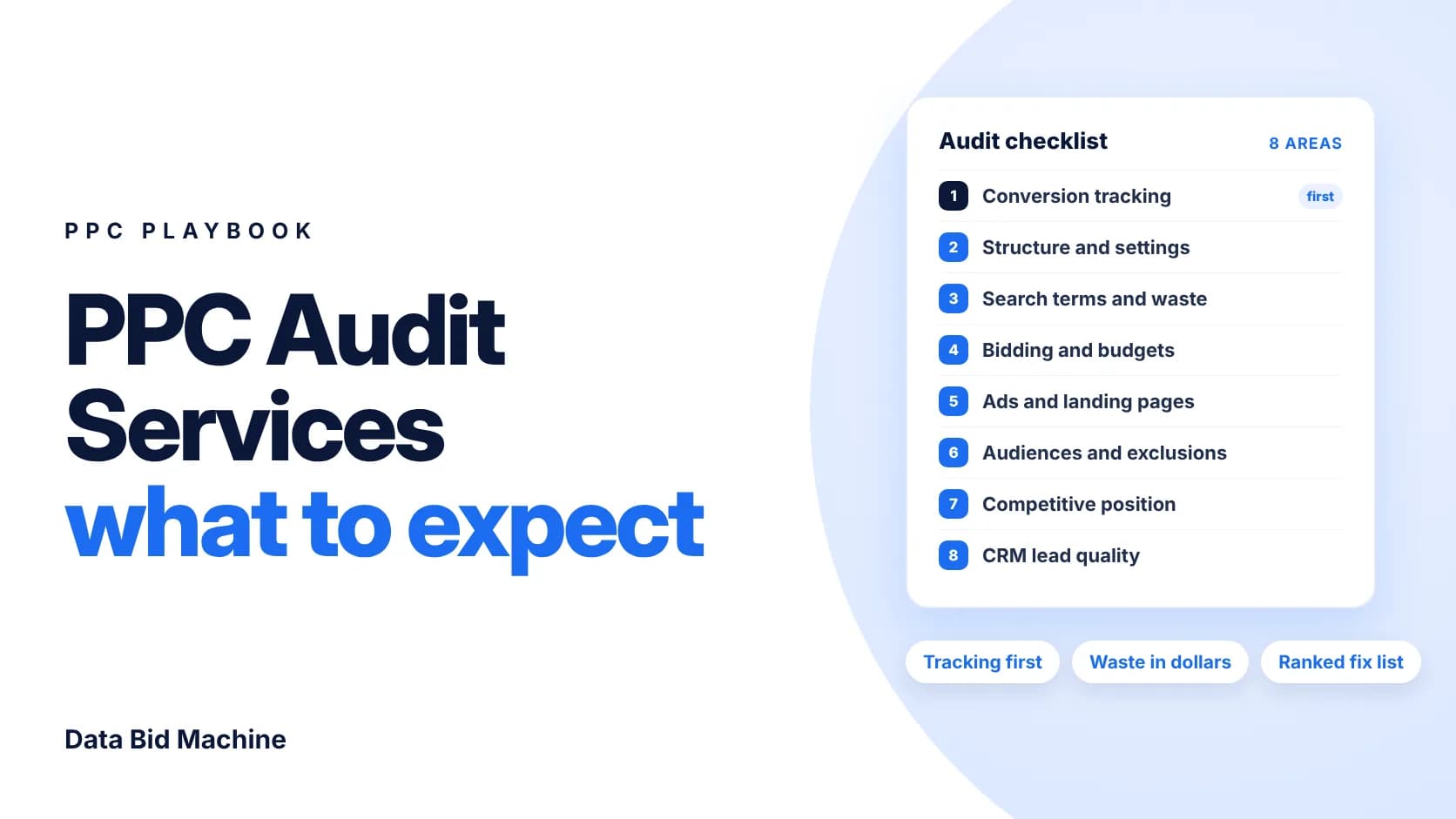
A paid PPC audit is an expert review of your ad accounts that finds what is wasting budget or hiding results, then ranks the fixes. A good one checks conversion tracking first, then structure, search terms, bidding, ads, landing pages, audiences, competitive position and CRM lead quality. It should end with a prioritized plan you can act on, not a score.
PPC audit checklist: what to check and red flags
A complete PPC audit covers eight areas, each with a red flag you can spot quickly. Use this table to judge any proposal.
| Audit area | What a good audit checks | Red flag | Platform guidance |
|---|---|---|---|
| Conversion tracking | Each lead counted once, on the right action | Duplicate or soft conversions used for bidding | “One” counting is Google’s suggestion for leads |
| Structure and settings | Campaigns grouped by intent; recommendations reviewed | Auto-applied changes nobody approved | Optimization score is an estimate |
| Search terms | Cost of irrelevant queries, in dollars | No negative keyword lists | Negatives don’t match close variants |
| Bidding and budgets | Strategy fits conversion volume | Converting campaigns limited by budget | Wait one to two conversion cycles after target changes |
| Ads and landing pages | Ad promise matches the page | Every ad sent to the homepage | Landing page should closely match the ad and keywords |
| Audiences | B2B targeting and exclusions in use | Same audience for prospects and customers | Microsoft offers LinkedIn profile targeting |
| Competitive position | Impression share lost to rank vs budget | No competitor view at all | Auction insights compares you with rivals |
| Lead quality | Ads data tied to CRM stages | Optimizing to raw form fills only | Enhanced conversions for leads sends hashed lead data at form fill |
Guidance sources: Google’s conversion counting, optimization score, negative keywords, bid strategy FAQs, landing page guidance, auction insights and enhanced conversions for leads, plus Microsoft’s LinkedIn profile targeting.
What a paid PPC audit should include: 8 steps
A careful auditor works in this order, because each step depends on the data checked before it.
1. Verify conversion tracking
Conversion tracking is the record of which clicks became leads, and every other audit finding depends on it. To test a tag, open Tag Assistant from the Troubleshoot option in the conversions summary and complete the conversion yourself (Google Ads Help).
Google Ads’ “One” counting setting counts one conversion per ad click and is Google’s suggestion for leads (Google Ads Help). Look for double-counting, under-counting and missed conversions.
2. Review account structure and settings
Account structure is how campaigns, ad groups and keywords are organized around intent. A good audit checks that each campaign has one clear job and reviews which recommendations auto-apply. Optimization score is only an estimate of how well the account is set to perform, from 0 to 100% (Google Ads Help), so judge each recommendation on its merits.
3. Find wasted spend in search terms
Wasted spend is money paid for clicks from searches that could never become customers. Sort the search terms report by cost and total the irrelevant spend in dollars. Google notes that negative keywords don’t match close variants, so synonyms and plurals need adding by hand (Google Ads Help). Our guide to Google Ads wasted spend and negative keywords shows the method.
4. Check bidding and budgets
A bidding review checks whether strategy, targets and budgets fit the conversions the account records. A “Limited by budget” status means the budget is below what Google needs to show ads in all eligible auctions (Google Ads Help). After a target change, Google recommends waiting one to two conversion cycles before evaluating performance (Google Ads Help).
5. Review ads and landing pages
This review checks whether each landing page keeps its ad’s promise. Google tells advertisers to choose a landing page that closely matches the ad and keywords (Google Ads Help). Quality Score helps here as a 1–10 diagnostic built from expected click-through rate, ad relevance and landing page experience (Google Ads Help).
6. Review audiences and exclusions
An audience review checks who ads reach beyond keywords, and who they should not. For B2B, check that customer lists and exclusions are in place. Microsoft Advertising’s LinkedIn profile targeting adjusts bids by company, industry and job function (Microsoft Advertising).
7. Measure competitive position
Competitive position is how often you show versus how often you could, and who beats you. Google calculates impression share as impressions received divided by the estimated impressions you were eligible for (Google Ads Help). Auction insights then names the rivals, though the data isn’t shown when your impression share is below 10% (Google Ads Help). See how to win back impression share for the fixes.
8. Connect ad data to CRM lead quality
Lead quality is whether paid leads become qualified pipeline, which ad platforms cannot see alone. Enhanced conversions for leads lets the Google tag send a hashed email or phone number at the form fill (Google Ads Help). When CRM stages are uploaded, Google notes that order IDs prevent duplicate conversions (Google Ads Help).
What to measure: wasted spend in dollars, cost per qualified lead, impression share lost to rank and to budget, and the share of conversions that reach a CRM stage.
What the audit should deliver
A useful report ranks every finding by impact and effort, then sorts it into a plan:
- Fix now: broken tracking, budget leaks and errors that cost money today.
- This month: structure, negatives, bidding and landing page changes.
- Test later: new audiences, bid strategies and channels, run as controlled tests.
Paid vs free PPC audits
Free graders score account settings, while a paid audit reads your data and your business. A grader cannot judge which search terms suit your buyers, or whether leads closed in your CRM.
How to choose a PPC audit provider
Ask a provider:
- Who reviews the account? A senior strategist, or an automated report?
- Do you check tracking before performance?
- Will you quantify wasted spend in dollars?
- Can we use the findings without hiring you?
Red flags: guaranteed results before anyone sees the data, a report built on optimization score, or a plan that needs a long contract.
Cost and timing: scope drives effort. Accounts, channels and CRM connections all add work, so ask for a written scope first.
Frequently asked questions about PPC audit services
What does a PPC audit include?
A PPC audit reviews tracking, structure, search terms, bidding, ads, landing pages, audiences and competitive position. For B2B, it also ties ad data to CRM lead quality, and ends with a ranked list of fixes.
Is a free PPC audit worth it?
A free PPC audit is worth it as a quick checklist, but it rarely explains why results changed. Automated graders score settings, not business outcomes.
What access does a PPC auditor need?
A PPC auditor needs to see your ad accounts, analytics and, for B2B, CRM lead stages. As a practitioner rule, grant read-only access where possible and remove it afterward.
How much do PPC audit services cost?
PPC audit costs depend on scope: the number of accounts, channels and data connections. Ask each provider for a written scope and deliverables so you can compare like with like.
How long does a PPC audit take?
A PPC audit takes as long as its scope requires. One search account needs less time than several channels with CRM integration. Ask for a delivery date in writing.
Should I aim for a 100% optimization score?
You do not need a 100% optimization score. Google describes it as an estimate of how well an account is set to perform, not a result. Review each recommendation on its merits.
Next steps
Run an audit before you set next year’s budget. In DBM’s Growth Gap Analysis, a senior strategist reviews visibility, media, conversion paths, tracking and outcome quality, including wasted spend in actual dollars and what AI engines say about you. You get a prioritized plan in plain English, ranked by impact and effort, with no long-term contract. Use it with us, your own team, or another agency. It’s yours.
If you want ongoing help, DBM’s PPC management team runs the plan.
Sources
- Troubleshooting conversion tracking status, Google Ads Help
- Use Tag Assistant to troubleshoot your unverified or inactive conversion actions, Google Ads Help
- About conversion counting options, Google Ads Help
- About optimization score, Google Ads Help
- About Quality Score for Search campaigns, Google Ads Help
- About the search terms report, Google Ads Help
- About negative keywords, Google Ads Help
- Fix “Limited by budget” bid adjustments, Google Ads Help
- FAQs about changes to Target-based bid strategies, Google Ads Help
- Optimize your ads and landing pages, Google Ads Help
- Get impression share data, Google Ads Help
- Use auction insights to compare performance, Google Ads Help
- About enhanced conversions for leads, Google Ads Help
- How to upgrade offline imports, Google Ads Help
- LinkedIn profile targeting, Microsoft Advertising
Sources accessed October 29, 2026.
About the author: Abdul Hafeez
Contributor, Data Bid Machine
Abdul Hafeez writes about automation, PPC, SEO automation, and practical systems that help marketing teams turn campaign insights into action. His articles explore paid-search strategy, workflow automation, and more efficient ways to manage and improve search marketing.