

PPC
Google Ads Audit Template: A Free Google Sheet With 20 Checks
Reviewed by Abdel Tefridj · Chief Executive Officer
On this page
The short answer: what is in the Google Ads audit template?
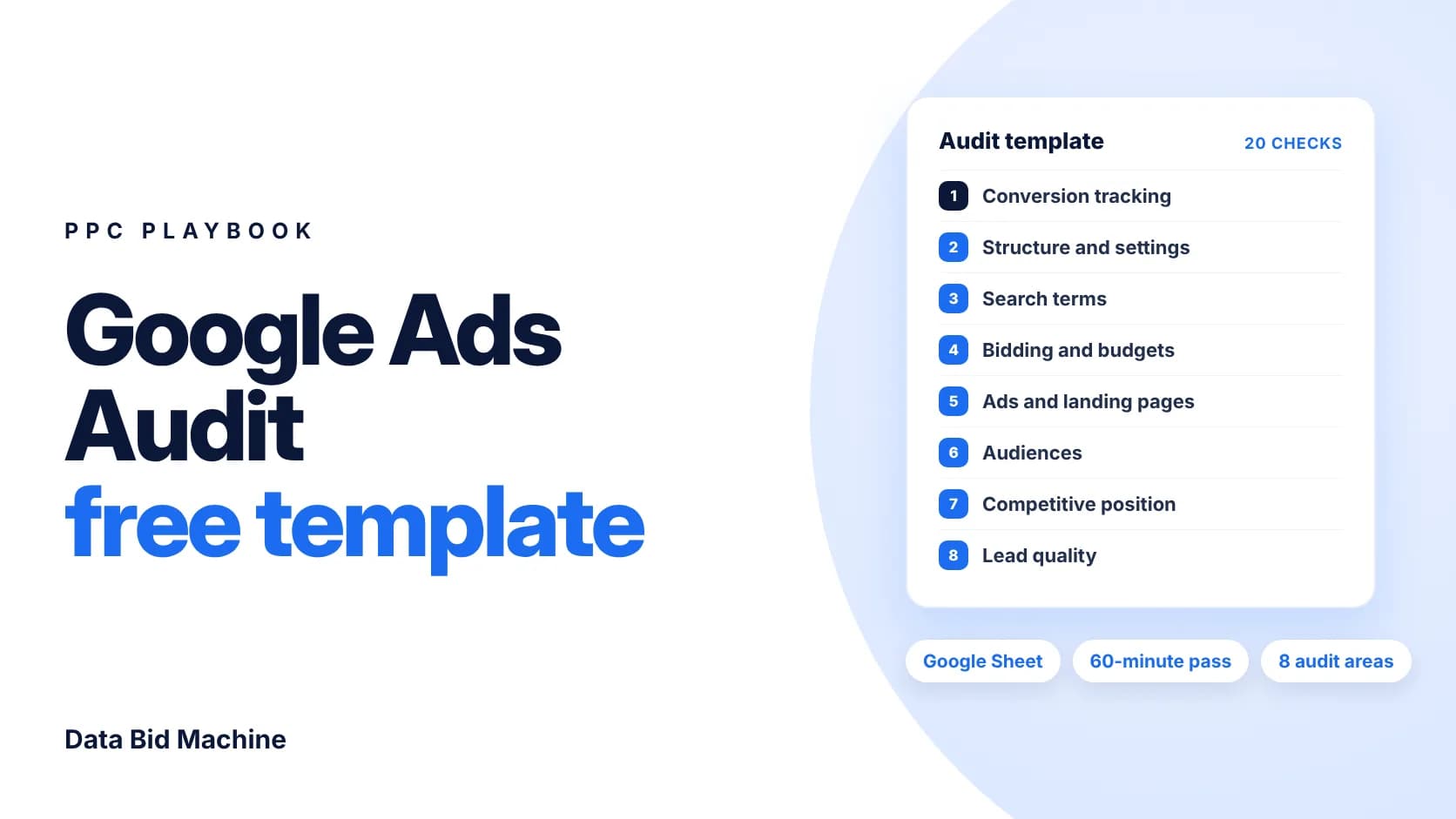
The Data Bid Machine Google Ads audit template is a Google Sheet with 20 checks across 8 areas, from conversion tracking to lead quality. Each row names the check, where to look in Google Ads, the red flag and the first fix, with Status and Notes columns for what you find. Copy it, work from top to bottom, and you finish with a short list of fixes ranked by impact and effort.
What the Google Ads audit template covers
Copy the free Google Ads audit template to follow along. The link makes your own editable copy of the sheet in Google Drive, so you can fill it in without changing the original.
The sheet covers eight areas, in the order you should check them: conversion tracking (4 checks), structure and settings (3), search terms (2), bidding and budgets (3), ads and landing pages (3), audiences (1), competitive position (2) and lead quality (2). Each area depends on the one above it: there is no point judging bids until you know the conversions feeding them are real.
How the template’s columns work
Every row uses the same seven columns: Area, Check (what should be true in a healthy account), Where to look, Red flag (what a failed check looks like), First fix (the first action, not the whole solution), Status (mark OK, Fix or Test) and Notes.
As a practitioner rule, write a number in Notes wherever you can, such as the spend on irrelevant search terms in your audit window. A dollar figure is easier to rank than “some waste.”
The 20 checks: where to look, red flags and first fixes
These are the sheet’s 20 rows. Status and Notes are blank for you to fill in.
| Area | Check | Where to look | Red flag | First fix |
|---|---|---|---|---|
| 1. Tracking | Every primary conversion action is recording | Conversions summary | Status shows Misconfigured or Awaiting conversions | Test the tag with Tag Assistant and complete a conversion yourself |
| 1. Tracking | Lead actions count one conversion per click | Conversion action settings (Count) | Lead actions set to Every | Set lead actions to One |
| 1. Tracking | Only real business actions are primary | Conversion goals | Page views or soft actions used for bidding | Make soft actions secondary |
| 1. Tracking | CRM stages flow back to Google Ads | Offline conversion actions / enhanced conversions for leads | Bidding only sees form fills | Send qualified stages back with click IDs or enhanced conversions for leads |
| 2. Structure | Each campaign has one clear job | Campaigns view | Brand, competitor and generic terms mixed in one campaign | Split campaigns by intent |
| 2. Structure | Auto-applied recommendations reviewed | Recommendations page (auto-apply settings) | Changes applied nobody approved | Turn off auto-apply for changes you haven’t reviewed |
| 2. Structure | Locations and languages match where you sell | Campaign settings | Ads serving outside sales territory | Tighten location targeting |
| 3. Search terms | Top search terms by cost reviewed | Search terms report | High-cost terms with no qualified leads | Add negatives, including synonyms and plurals |
| 3. Search terms | Negative keyword lists in place and shared | Shared negative keyword lists | No lists, or conflicting negatives blocking converting terms | Build lists by theme; check for conflicts |
| 4. Bidding | Bid strategy fits conversion volume | Campaign bid strategy | Target-based bidding with very few conversions | Use a strategy suited to your volume |
| 4. Bidding | Converting campaigns aren’t capped | Campaign status | Limited by budget on campaigns that produce qualified leads | Move budget from weak campaigns |
| 4. Bidding | Target changes given time | Change history | Targets changed again before results settled | Wait one to two conversion cycles before judging |
| 5. Ads and pages | Ads match keyword intent | Ads and assets | Generic ads across unrelated keywords | Write ads per intent group |
| 5. Ads and pages | Landing page matches the ad | Final URLs | Every ad sends traffic to the homepage | Send each intent to a matching page |
| 5. Ads and pages | Quality Score components checked on top spenders | Keywords report with Quality Score columns | Below average landing page experience or ad relevance | Fix the weakest component first |
| 6. Audiences | Customer lists and exclusions in place | Audiences | Same audience for prospects and customers | Exclude customers from acquisition campaigns |
| 7. Competition | Impression share lost to rank vs budget | Search impression share columns | Large share lost to rank on top campaigns | Improve ad quality before raising bids |
| 7. Competition | Auction insights reviewed | Auction insights report | No view of who outranks you | Track overlap and outranking share monthly |
| 8. Lead quality | Cost per qualified lead by campaign | CRM report joined to campaign | Campaigns judged on cost per form fill only | Report cost per sales-accepted lead |
| 8. Lead quality | Findings ranked by impact and effort | This sheet | A long list with no order | Sort into fix now, this month, test later |
The checks follow Google’s own guidance, cited in the walkthrough below. The ranking row is a DBM practitioner check.
How to use the template in 60 minutes
As a practitioner rule, one person who knows the account can complete a first pass in about 60 minutes by time-boxing the five blocks below. The goal is a Status on every row, not a fix.
1. Copy the sheet and set your audit window (5 minutes)
An audit window is the date range every check uses. Pick a recent period covering several conversion cycles and use it in every report.
2. Check conversion tracking first (15 minutes)
Conversion tracking comes first because every other row is judged on conversion data. Google Ads marks an action Misconfigured when recording stops entirely, and Awaiting conversions when none were recorded in 7 days (Google Ads Help). Open Tag Assistant from the Troubleshoot option in the conversions summary and complete a conversion yourself (Google Ads Help).
Google Ads’ “One” setting counts one conversion per ad click and is Google’s suggestion for leads (Google Ads Help). For the CRM row, look for hidden form fields that store the GCLID, GBRAID and WBRAID, plus enhanced conversions for leads (Google Ads Help). Google recommends enhanced conversions for leads over older offline conversion imports, with data uploaded regularly, ideally daily (Google Ads Help).
3. Review structure, settings and search terms (15 minutes)
This block finds spend going to the wrong place. Check that each campaign has one job and that nothing auto-applies without review. Then sort the search terms report by cost. Google notes that some terms without enough query activity are omitted for privacy (Google Ads Help). Negative keywords don’t match close variants, so add synonyms and plurals yourself (Google Ads Help). See our guide to cutting Google Ads wasted spend.
4. Check bidding, ads, audiences and competition (15 minutes)
These rows test whether budget favors your best campaigns. “Limited by budget” means the budget is below what Google needs to show ads in all eligible auctions (Google Ads Help). In change history, look for targets changed again too soon: Google recommends waiting one to two conversion cycles before evaluating performance (Google Ads Help).
For ads, Google tells advertisers to choose a landing page that closely matches the ad and keywords (Google Ads Help). Quality Score is a 1–10 diagnostic built on expected CTR, ad relevance and landing page experience, and Google says it is not an input in the ad auction (Google Ads Help).
For competitive position, impression share divides the impressions you received by the estimated impressions you were eligible for (Google Ads Help). Auction insights shows overlap rate, position above rate and outranking share, but not when your impression share is below 10% (Google Ads Help). See how to win back impression share.
5. Score lead quality and rank the findings (10 minutes)
Lead quality rows connect the account to revenue: compare cost per sales-accepted lead by campaign, not cost per form fill. Google advises optimizing to deeper funnel conversions, such as “Qualified Lead” goals (Google Ads Help). Then sort every Fix row into fix now, this month or test later.
What to measure: the number of Fix rows per area, total spend on irrelevant search terms in the audit window, and cost per sales-accepted lead by campaign.
When to hand the audit to someone else
Run it yourself, or book the audit and we’ll run it. The template reaches its limits in four situations:
- The CRM isn’t connected, so the lead quality rows can’t be answered.
- Several accounts or markets. One sheet is manageable; ten is a project.
- Google Ads, GA4 and the CRM disagree, which needs a tracking review.
- Nobody owns the fixes.
Our guide to what to expect from PPC audit services explains how a full review works.
Next steps
Copy the free Google Ads audit template and complete a first pass this week. If you’d rather have a senior strategist run it, DBM’s Growth Gap Analysis reviews your visibility, media, conversion paths, tracking and outcome quality. It covers wasted spend in actual dollars and tracking gaps such as double-counting, under-counting or missed conversions. You get a prioritized plan in plain English, ranked by impact and effort, that you can use with us, your own team or another agency. For ongoing account work, see our PPC management service.
Sources
- Troubleshooting conversion tracking status, Google Ads Help
- Use Tag Assistant to troubleshoot your unverified or inactive conversion actions, Google Ads Help
- About conversion counting options, Google Ads Help
- About enhanced conversions for leads, Google Ads Help
- Best practices for generating high-quality leads, Google Ads Help
- About the search terms report, Google Ads Help
- About negative keywords, Google Ads Help
- Fix “Limited by budget” bid adjustments, Google Ads Help
- FAQs about changes to Target-based bid strategies, Google Ads Help
- Optimize your ads and landing pages, Google Ads Help
- About Quality Score for Search campaigns, Google Ads Help
- Get impression share data, Google Ads Help
- Use auction insights to compare performance, Google Ads Help
- Performance Max best practices for lead generation, Google Ads Help
Sources accessed October 29, 2026.
Frequently asked questions
What is a Google Ads audit template?
A Google Ads audit template is a checklist you fill in while reviewing an account, so every check is done the same way each time. DBM’s template is a Google Sheet with 20 checks in 8 areas, each with where to look, the red flag and the first fix.
What should a Google Ads audit checklist include?
A Google Ads audit checklist should cover conversion tracking, structure and settings, search terms, bidding and budgets, ads and landing pages, audiences, competitive position and lead quality. Start with conversion tracking, because every other check depends on accurate conversion data.
How long does a Google Ads audit take?
As a practitioner rule, a first pass with the template takes about 60 minutes for one account if you time-box each area. A deeper audit that fixes tracking or joins CRM data takes longer, because those tasks need more than one person.
What should I check first in a Google Ads audit?
Check that every primary conversion action is recording. Google Ads marks an action Misconfigured when recording stops entirely, and Awaiting conversions when none were recorded in 7 days. Then confirm lead actions count one conversion per click.
How do I find wasted spend in Google Ads?
Sort the search terms report by cost for your audit window and total the spend on irrelevant queries. Add those as negatives, including synonyms and plurals, because Google says negative keywords don’t match close variants.
Is the Google Ads audit template free?
Yes. The template is a free Google Sheet, and the link makes your own editable copy in Google Drive. You can use it on as many accounts as you like.
About the author: Abdul Hafeez
Contributor, Data Bid Machine
Abdul Hafeez writes about automation, PPC, SEO automation, and practical systems that help marketing teams turn campaign insights into action. His articles explore paid-search strategy, workflow automation, and more efficient ways to manage and improve search marketing.